
Control your water. Prove your water.
Run every valve and pump from your phone. And when the water district asks what you pumped, hand them metered records, not estimates.
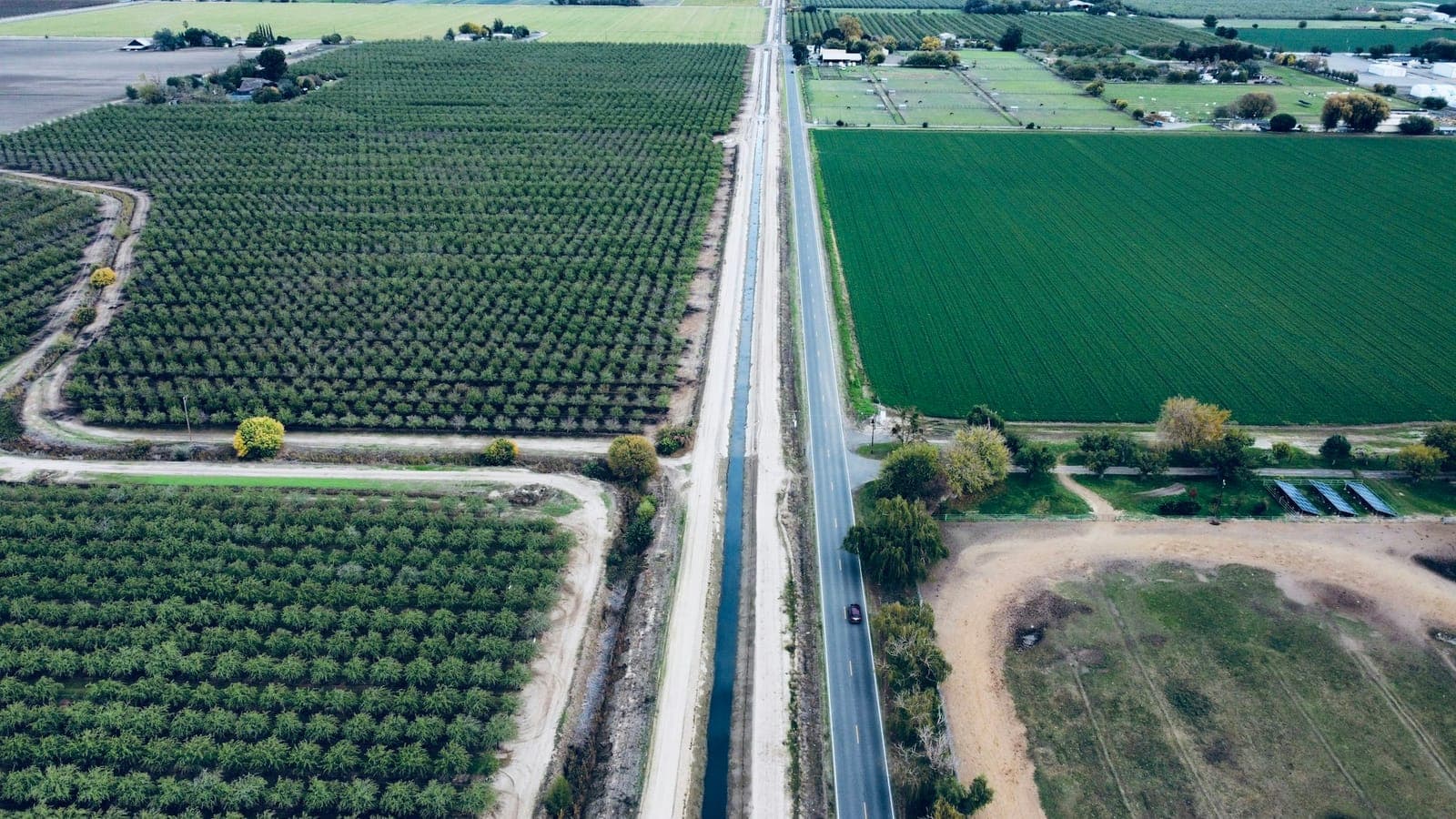
Example view of Demo Farm on Thursday, Sep 17 at 5:41 PM, drawn on a stock aerial photo. Its numbers are example data.Photo: Vasile Stefirta / Unsplash
Every valve on one map.
Draw your fields once. Every valve, pump and field hub sits where it really is, showing what it's doing right now and how much of the month's water each field has used.
- Shuts itself off at 6:02 PM
V2 is open, and closes on its own clock even if signal is lost.
- Solar wireless valve
Screws onto the riser. No trenching, no wires.
- Well pump 1 · 1,150 gpm
Metered at the source, every minute.
- North Block · 58%
The month's water used so far. The tick marks how much of the month has gone.
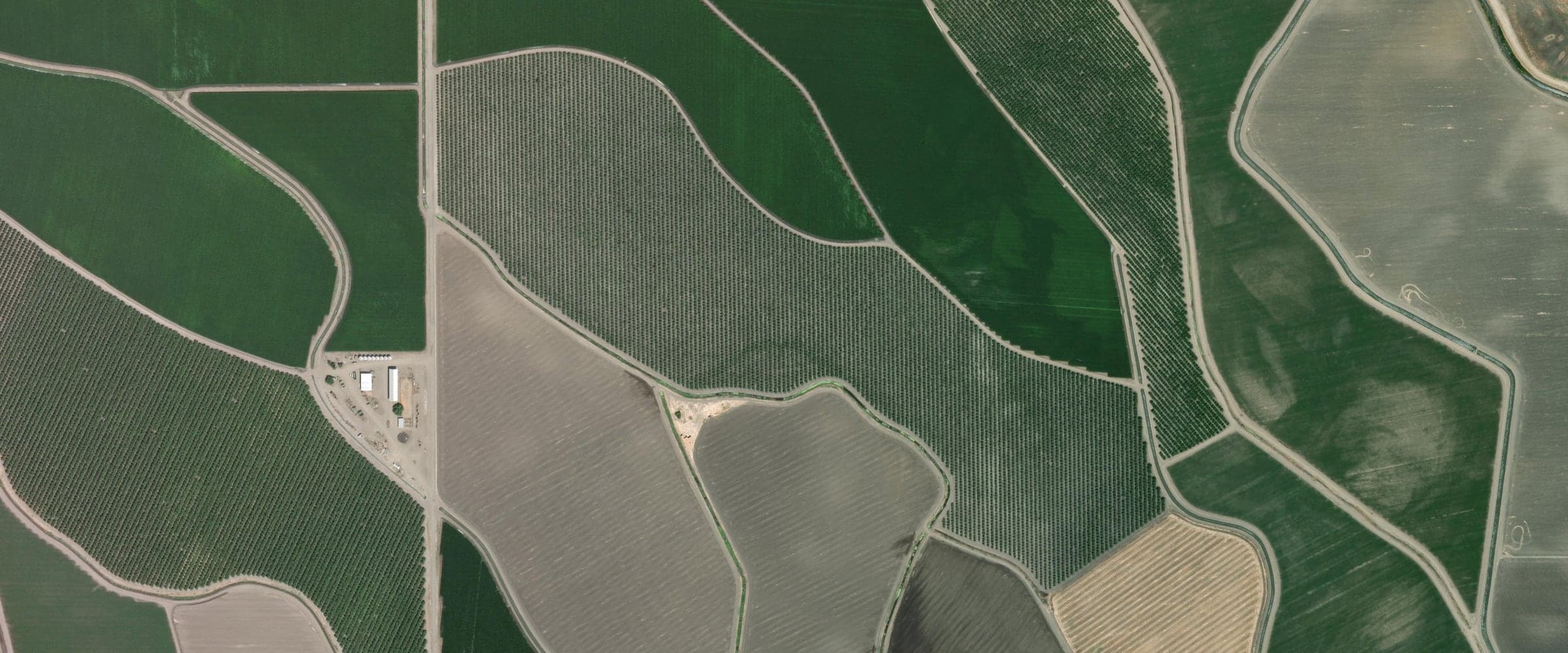
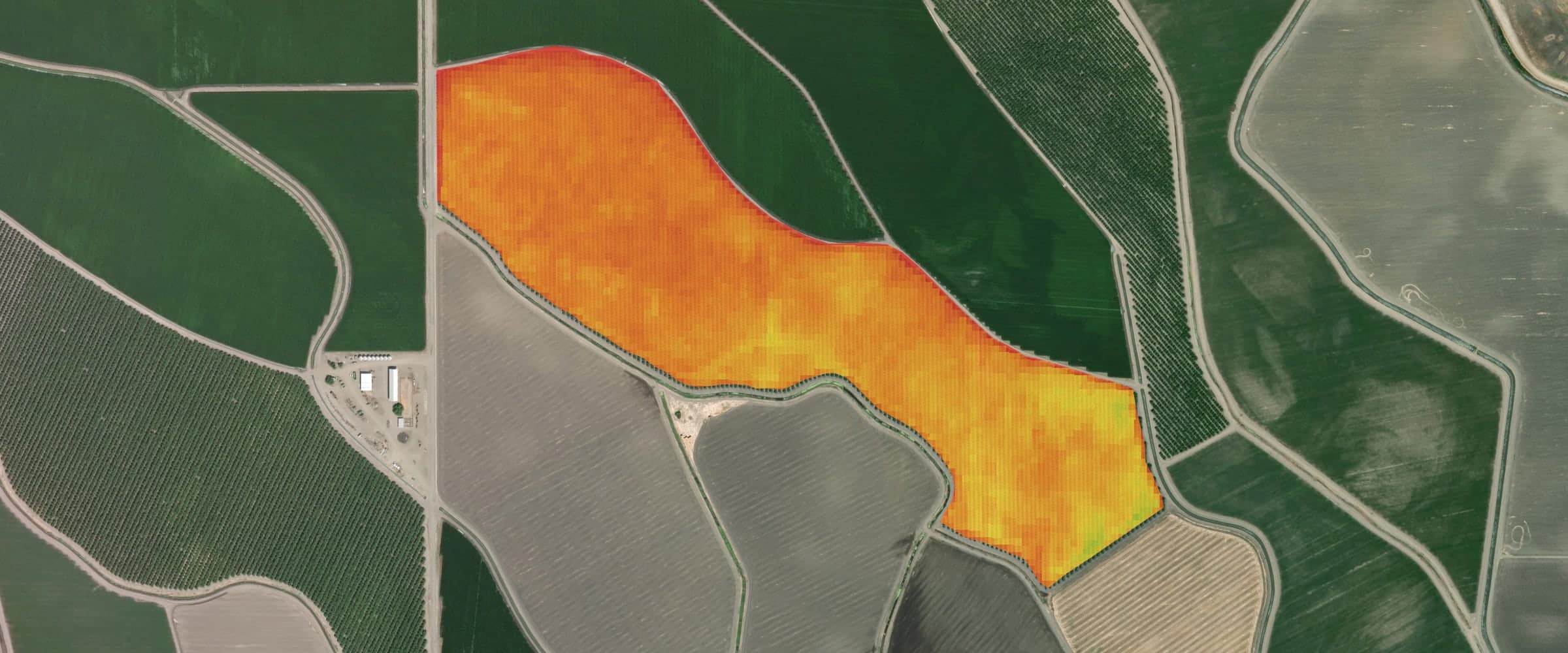
Drag to see what the satellite sees.
Most irrigation still runs on driving out to look.
Valves get left open, pumps run dry, and at reporting season the pumped totals are a best guess.
Groundwater agencies are asking for real numbers. TeicheiraFlow replaces the guesswork with control, automation and a meter-grade paper trail, all from the same equipment in the field.
Every gallon logged at the source, every minute.
Solar wireless valves screw onto the risers you have.
Stops every valve and pump it can reach. Anything out of contact shuts off on its own timer.
Run the whole farm from your phone.
One app for the grower, the foreman and the installer, from the pump house to the last valve. See exactly what's running, always.
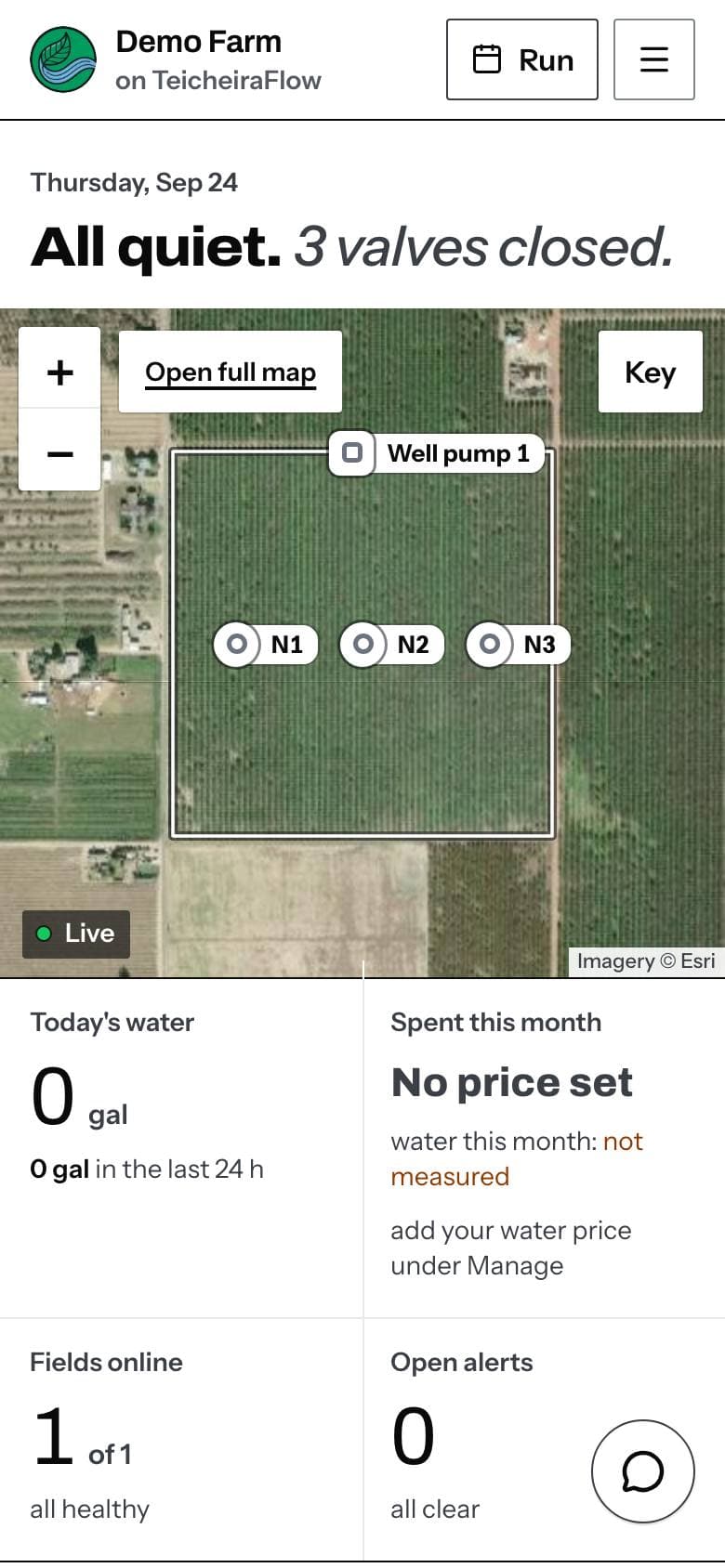
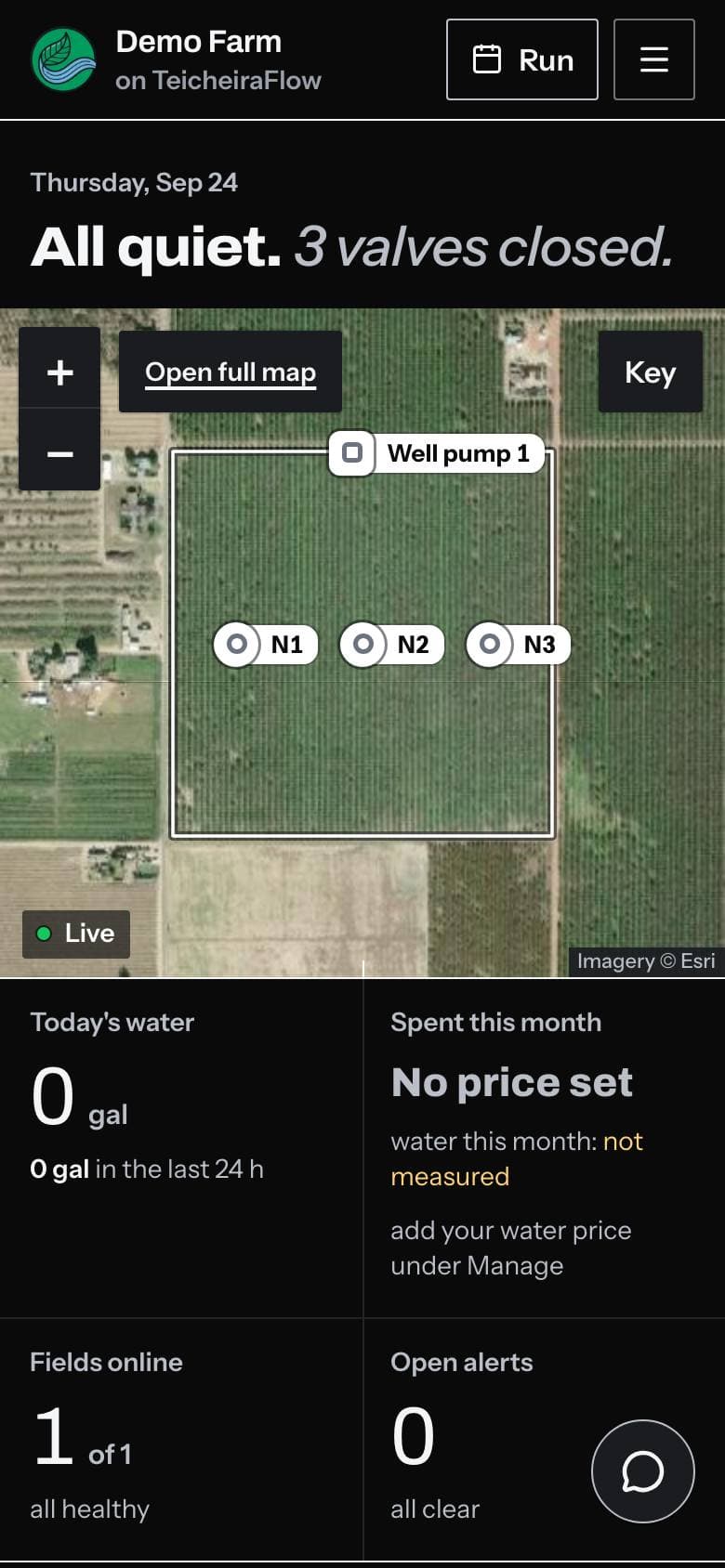
The overview
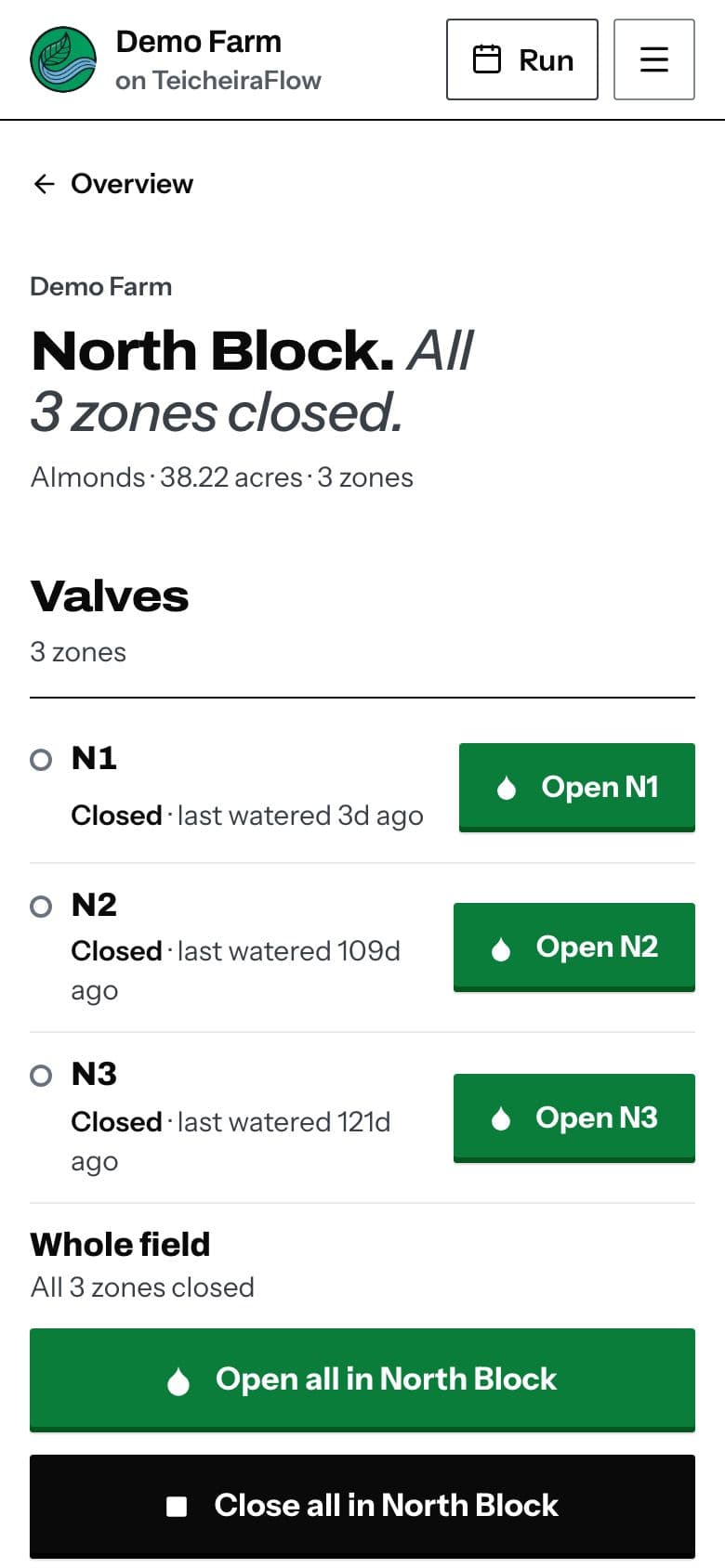
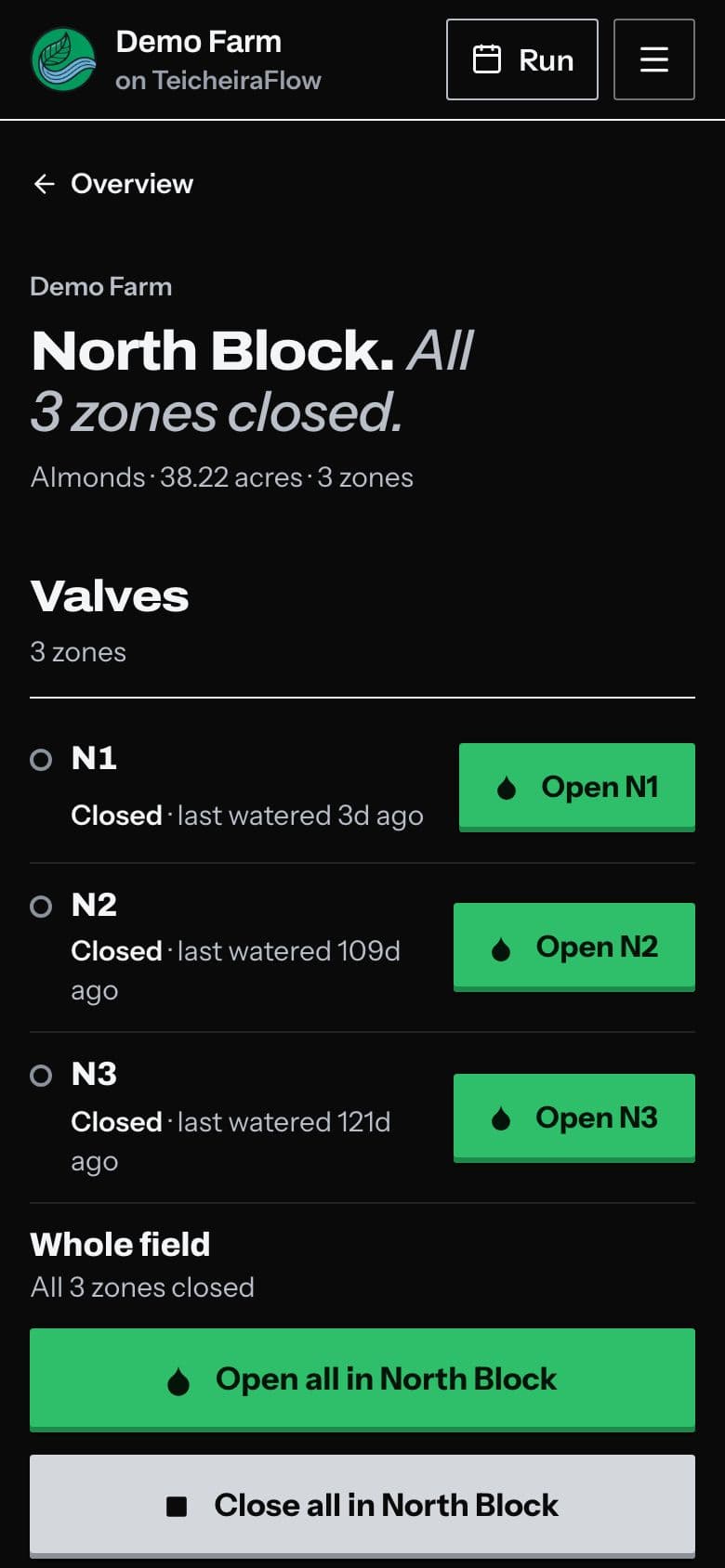
One field's valves
Real screens from the app, with Demo Farm loaded.
Any valve, from anywhere
Open and close every valve from your phone: the couch, the truck, the other coast. Every command asks first and tells you when it will shut off.
Schedules that think
Water by time, by soil moisture, or both. Multi-zone sequences share the pump automatically, so zones never fight for pressure.
Live field data
Flow, pressure, soil moisture and tank levels streaming in, with history, so you can show what happened last Tuesday.
The whole pump house
Pumps, fertilizer injectors, mainline meters and wired valves on one rugged controller built for ag power and weather.
Team and installer access
The foreman gets control, the bookkeeper gets read-only, your installer sets it all up, and you can revoke anyone, any time.
Lost signal never means water all night.
Safety lives in the hardware.
Fails safe, not open.
Every valve carries its own auto-close timer, set when it opens. If the field hub, the internet or the cloud drops mid-run, the valve still shuts on its own clock. Every pump carries a dead-man timer in the hardware itself.
- V1 opens for 90 min
The shut-off time is set on the valve itself.
- The field hub drops offline
No signal reaches the valve from here on.
- V1 shuts itself off
On its own clock, with nothing sent to it.
Alerts that say what to check.
Valve stuck open, pump running dry, field hub offline, tank low: your whole team hears about it while it's still fixable, with the next step in plain words.
One red button.
Emergency stop closes every open valve and stops every pump and injector it can reach, then holds the whole site off until someone re-arms it. Anything out of contact still shuts off on its own timer. It is the only red control in the app.
A satellite check on every field.
Included · no drone, no flightDraw your field boundary once. From then on TeicheiraFlow pulls a fresh satellite pass for it on its own and paints the field by how much growing canopy it sees, so a stressed spot shows up before it browns off.
- What the colors mean
- Stressed. Thin or drying canopy. Walk that stretch first: a clogged line, a failed emitter or a dry edge often shows as a red stripe.
- Moderate. Partial cover. Normal between young trees and late in the season; worth a look if it spreads from one pass to the next.
- Healthy. Full, growing canopy. Nothing to chase.
- How often
- A new pass every few days. Each map shows its capture date and how much cloud was in the way, and every pass is kept, so you can compare a field season over season.
- Water demand
- A daily estimate for each field, in inches a day with the month's total in acre-feet, from satellite data. See demand climb in a heat wave before the trees show it, and let the schedule follow what the crop is using, not last year's habit. An estimate, not a ground sensor.
North Block
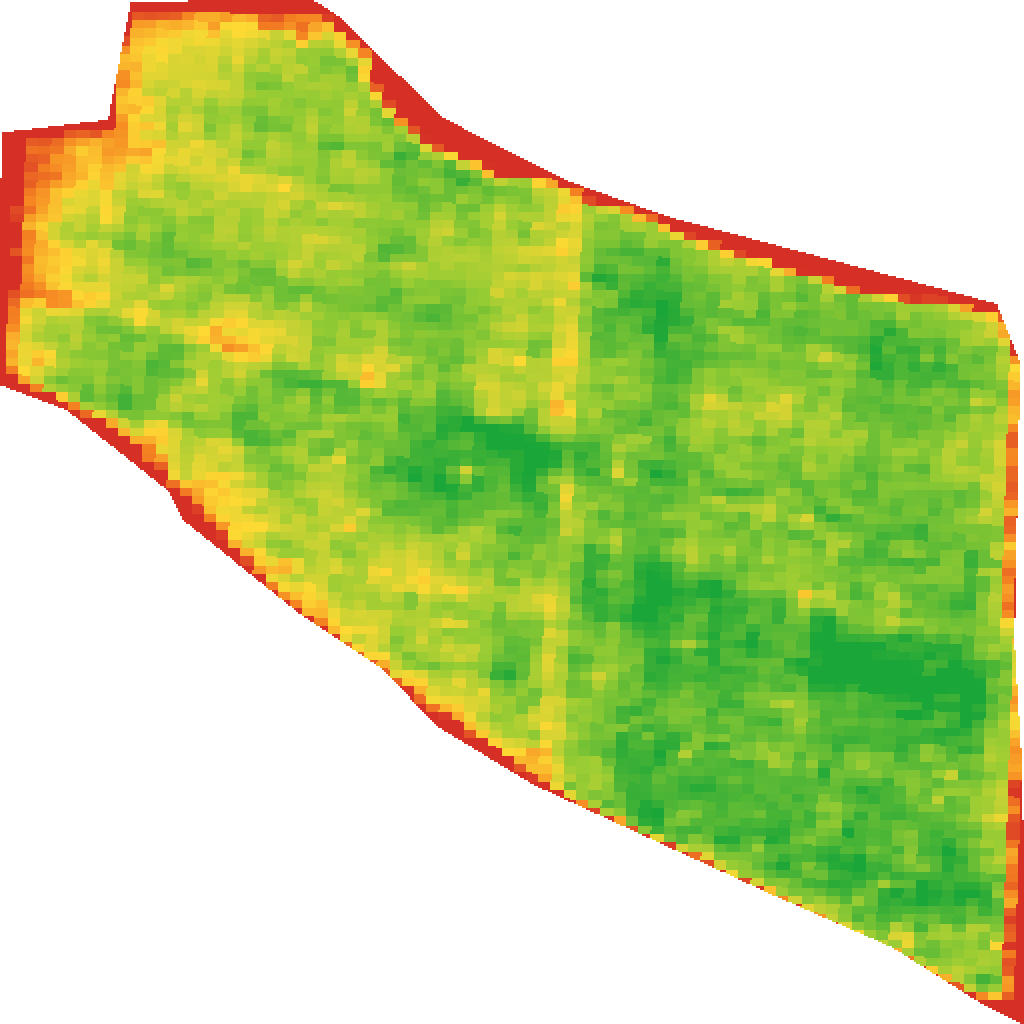 Example view · Demo Farm
- Satellite pass
- Sep 15 · 2% cloud
- Water demand
- 0.27in/daysatellite estimate
The district will ask what you pumped.
Built for groundwater reporting.
California growers are being asked to report, and increasingly to limit, what they pump. TeicheiraFlow meters every gallon at the source and turns it into per-well, per-water-year records. It's automatic, because it's the same data that runs your irrigation.
Water year 2026: pumped vs. allocation
- Pumped against allocation, per well and per water year.
- A monthly extraction file your agency can take as it is.
- Alerts at 75, 90 and 100% of your allocation.
- Log each district delivery and see ordered against applied.
Metered at the source, logged every minute, attributable per well. Not end-of-season guesswork.
Running in an afternoon.
No trenching, no wiring runs, no programming box in a shed. The hardware kit is a one-time purchase.
- Step 1 · Field hub
Mount the field hub
One box on a mast at the pump house, plugged into power and your internet. It reaches every valve by long-range wireless, for miles.
- Step 2 · Wireless valves
Screw in the valves
Solar wireless valves thread onto your existing risers. Scan the code on each one with your phone and it's claimed to your farm.
- Step 3 · Your phone
Water from your phone
Tap to open. Set schedules. Track every acre-foot. Invite the team.
Working with an installer? They set everything up on their own login, then hand the farm over to you. You can revoke anyone, any time.
I'm an installer Micro-sprinklers under an almond canopy · Photo: USDA / Lance Cheung
Know what every valve is doing.
Run the farm from your phone the day the kit goes in. Your login is set up for you.